Tasks, with context.
Site-specific checklists keep the agreed tasks, notes and recorded exceptions together.
OUR OWN OPERATIONS SOFTWARE
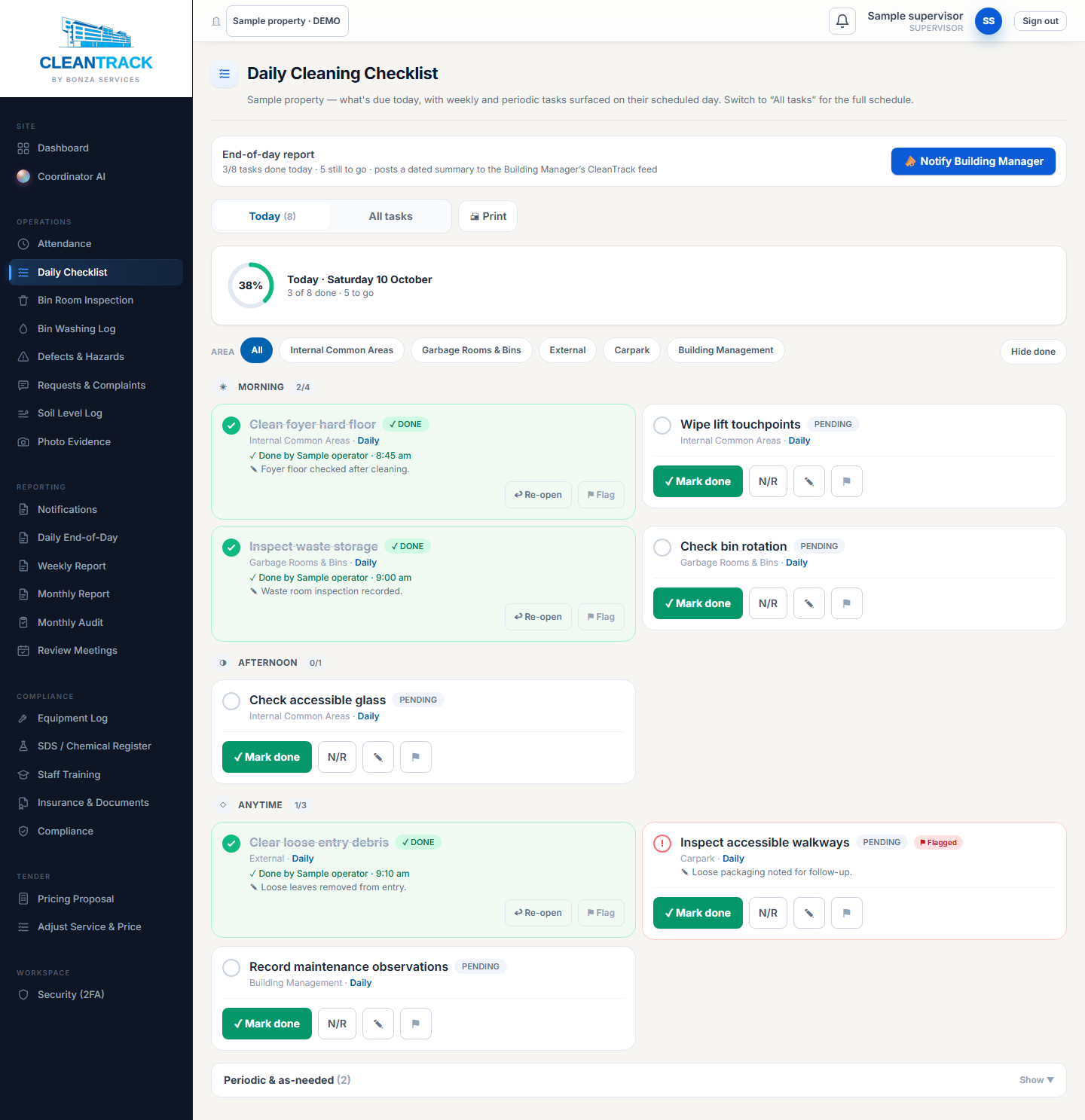
CleanTrack brings visit records, cleaning tasks, waste-area logs, photos and issues together for review.
Built by BONZA around the agreed work. Reporting and access arrangements are confirmed for each property.
INSIDE CLEANTRACK
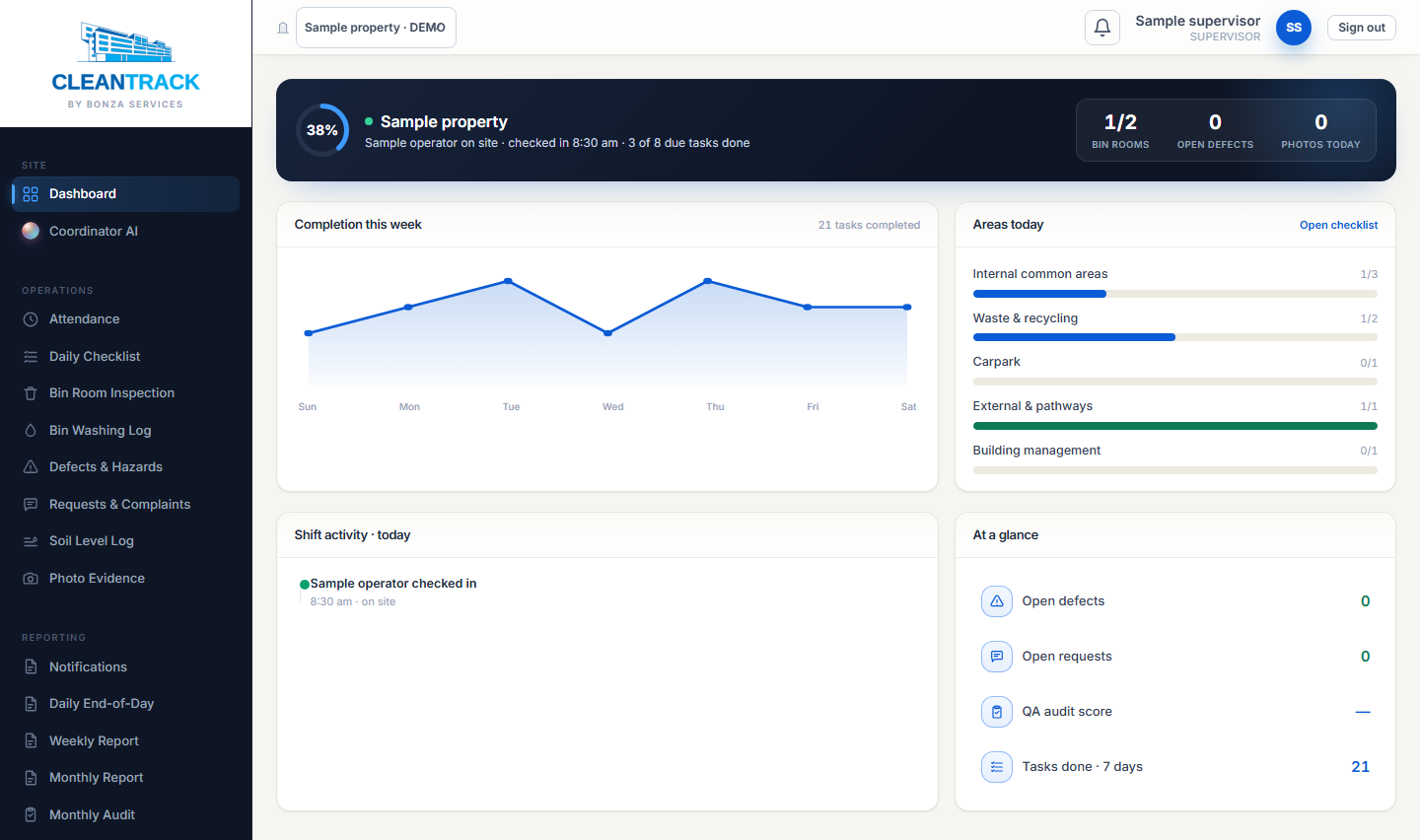
Site-specific checklists keep the agreed tasks, notes and recorded exceptions together.
Inspection logs bring waste-room condition checks, observations and any action required into the property record.
FROM RECORD TO REVIEW
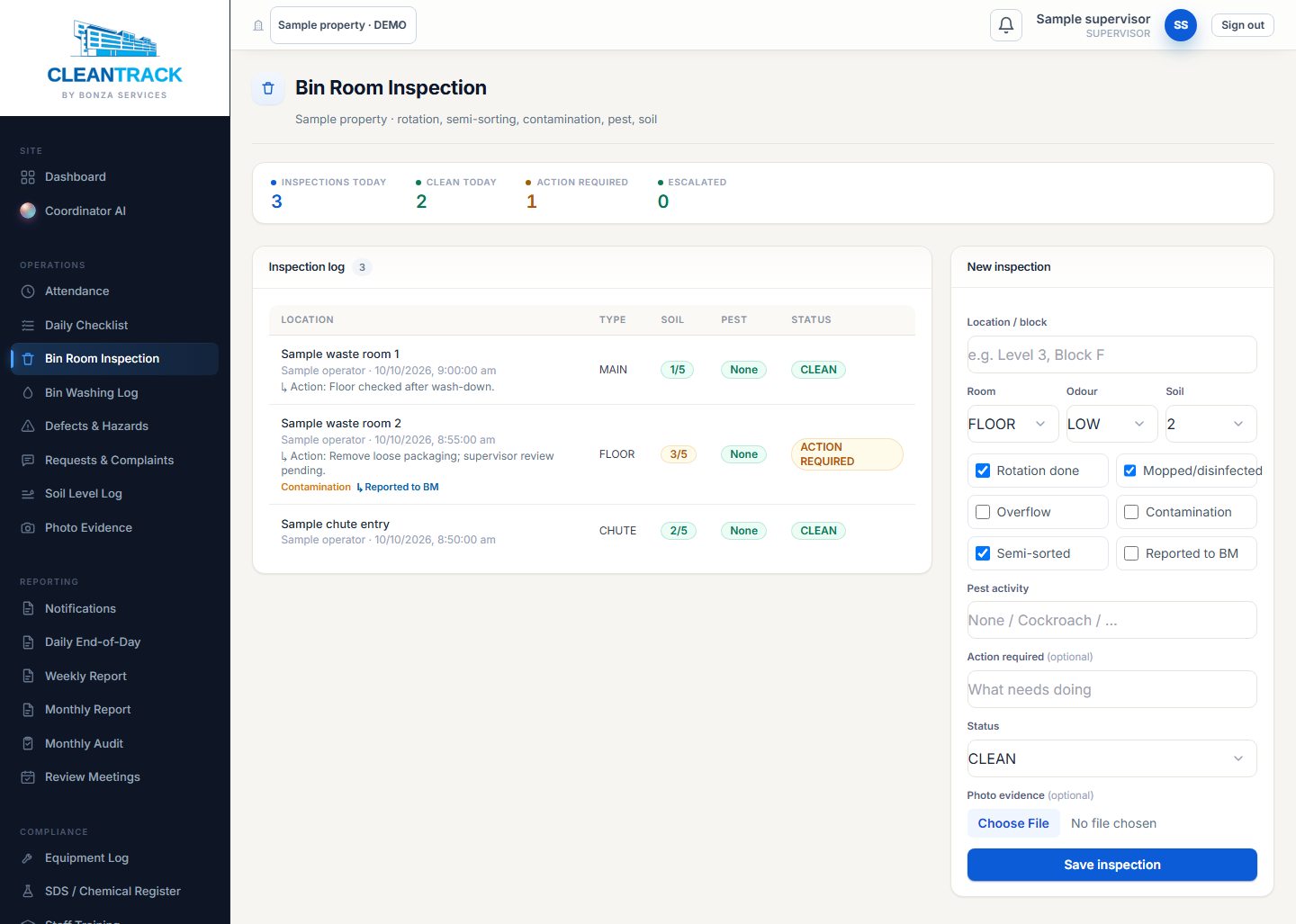
CleanTrack brings recorded visits, tasks and outstanding matters together for review. Supervisors can adjust the commentary before saving a report.
Fixed fictional example · 2 tasks done, 1 pending.
The PDF is a separate fixed example. It stays the same when you try the walkthrough.
Discuss reporting for your property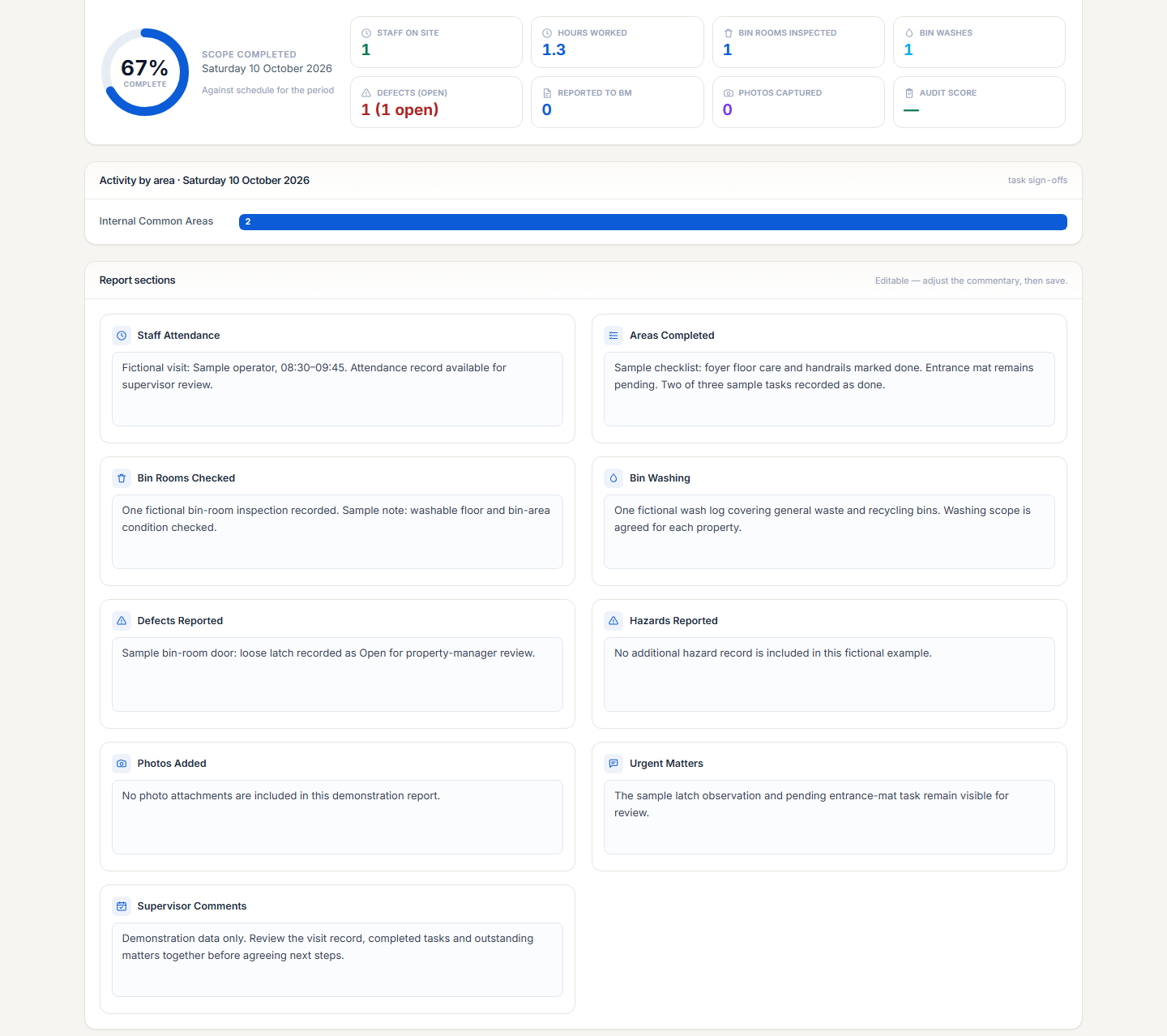
FROM VISIT TO REVIEW
Start with Visit, then use Next to follow the work into a report. You can also choose any step. Every record uses fictional sample data.
STEP 01 / VISIT
Check-in and check-out tools place the visit alongside the property’s operational record.
Example record: visit times available for supervisor review.
STEP 02 / CHECKLIST
Scheduled checklists bring task status, notes and photo evidence together around each property.
Try recording the pending task. Only the walkthrough’s sample record changes.
Sample note: periodic window detail sits outside this routine checklist.
STEP 03 / BIN CARE
Inspection and washing logs provide a place to record this part of the property’s cleaning routine.
Example photo note: washable floor and bin-area condition recorded for review.
STEP 04 / ISSUE
Defects and hazards can be recorded with notes, photos, priority and status.
Sample note: latch movement recorded for property-manager review.
STEP 05 / REPORT
Daily and periodic reporting tools bring operational records together, with built-in PDF export.
Sample visit: 08:30–09:45. This summary follows your sample checklist changes. The downloadable PDF shows the initial sample state.
Fictional example · initial sample state
Showing step 1 of 5: Visit.
Walkthrough records are fictional. Reporting arrangements and access are agreed for each property programme.
FOYER · VERY EARLY DEVELOPMENT
We’re building Foyer to connect resident reports, management review, assigned work and completion updates.
Explore Foyer in BONZA Hub